Codes
Live Stick Battles Roblox codes for Stars, Shields, Star Potions, and Credits with the exact in-game redeem path.
View all CodesSkewer the lobby, claim codes, and climb with the right stick.
Unofficial Roblox wiki for Stick Battles with working codes, stick tiers, badge unlocks, and skewer PvP tactics.
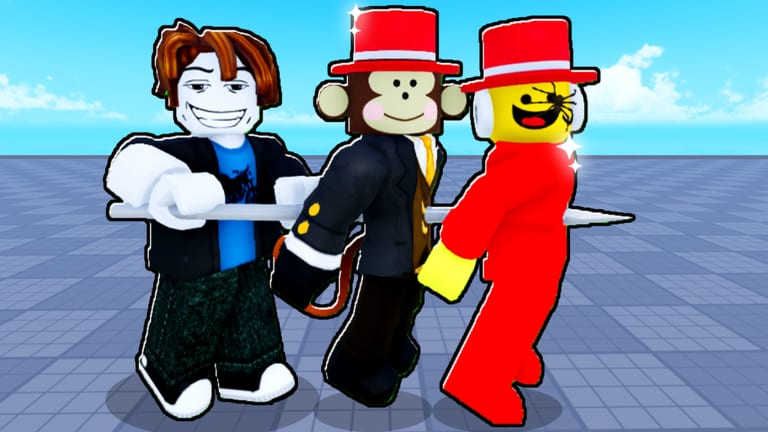
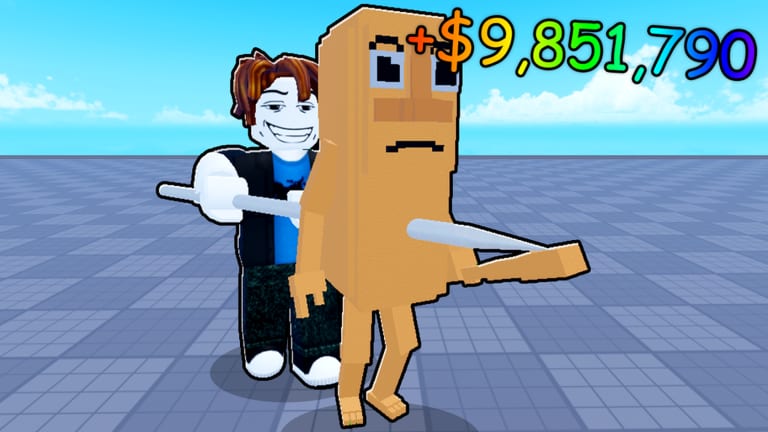
Stick Battles is a Roblox PvP brawler by TRALALERO MEME where the win condition is simple and mean: skewer other players onto your stick and turn the lobby into a walking kebab. You spawn with a basic skewer, earn Credits from kills, and spend them on sticks with freeze, dash, teleport, wall, and weather-powered kits. Stars buy potions and long-term power, while Shields save a kill streak when someone finally knocks you off. Start with the getting started guide, redeem working codes, then check the stick tier list before you dump Credits into a mid shop stick.
Live Stick Battles Roblox codes for Stars, Shields, Star Potions, and Credits with the exact in-game redeem path.
View all CodesStick Battles Roblox guides for how to play, how to win, unlock sticks, earn badges, and master every control.
View all GuidesStick Battles Roblox current tier list ranking shop sticks and badge skewers across 16-player kebab PvP lobbies.
View all Tier ListStick Battles Roblox playstyles: carrier, rusher, camper, and collector kits that actually fit 16-player lobbies.
View all PlaystylesStick Battles Roblox updates covering patch cadence, the Update 7 showcase, and where TRALALERO MEME posts changes.
View all UpdatesStick Battles Roblox scripts overview covering auto farm, auto eat, and ban risk on a 97-million-visit account.
View all ScriptsOfficial Stick Battles Roblox links for the game page, TRALALERO MEME group, Discord, and what this fan wiki covers.
View all WikiOpen Stick Battles on Roblox, wait for the HUD, then tap the COD_ button on the left. Redeem every code on the codes list before you spend Credits.
Click or tap to stab. A clean hit pins the victim on your stick. Carry them, land the next player, and cash the kill for Credits. The controls guide covers PC, console, and mobile.
Starter skewers lose trades fast. Spend early Credits on movement or zone tools from the tier list, not cosmetics. How to get sticks lists shop, badge, and hidden unlocks.
Midas Touch is 100 kills, Stick Battles Enjoyer is 1,000, Quest Lover is 15 quests. Follow the badge guide so you do not grind the wrong weather or miss a rejoin.
Tournaments fire every 25 minutes, Gob can spawn, and Blood Moon or Sunset change the map. Track those on events and how to win.
Quick answers to the most common Stick Battles questions.
Redeem working codes, read getting started, then buy a stick from the tier list instead of the first shop item you see.
Yes. This wiki covers STICK BATTLES by TRALALERO MEME (place 136372246050123), the skewer PvP game inspired by Human Kebabs — not Slap Battles clones or Stick Fight.
No. It is a fan-made Roblox resource. Confirm codes, events, and bans through the TRALALERO MEME group and the official Discord linked on the wiki links page.
English is the root site. French, German, Spanish, and Brazilian Portuguese have full pages. Legal terms stay on the English URLs.
Load into a server, press COD_ on the left, paste the code exactly, then hit Redeem. Full steps live on how to redeem codes.
Executors violate Roblox rules. Read the scripts hub for what public hubs claim to do, then decide if a 97-million-visit account is worth the risk.
Claim Stick Battles codes, pick a stick from the tier list, then run the beginner guide so your first hour is kills, not refunds.
Start with the beginner guide